

SF Symbols in every app
SF Balloons brings SF Symbols to every app. A keyboard shortcut opens a floating window on top of whatever is on your screen. Search, pick, Enter. The symbol is on your clipboard and you keep working without switching apps. As natural as the macOS emoji picker.

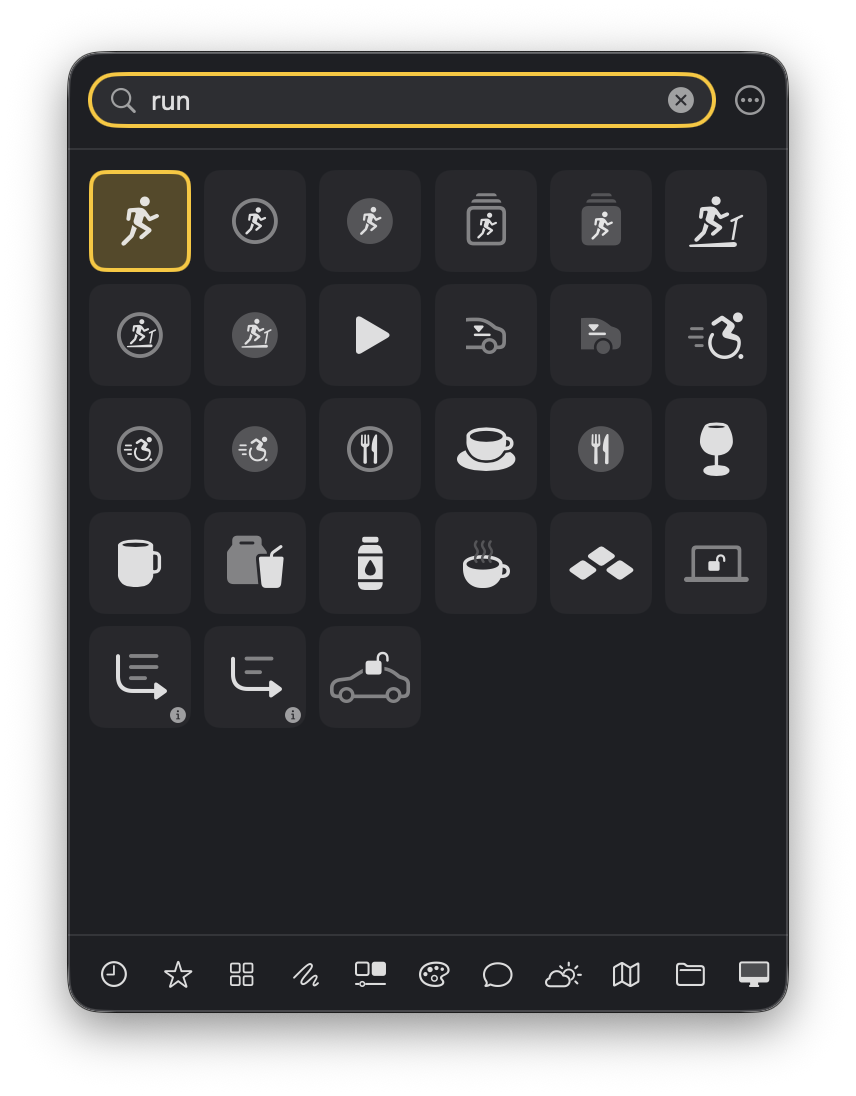
The search also finds terms that aren't part of the symbol name. What you copy is the real symbol character, which shows up as a symbol in Keynote, Pages or Notes. Hold ⇧ and you get the symbol name for Xcode instead.
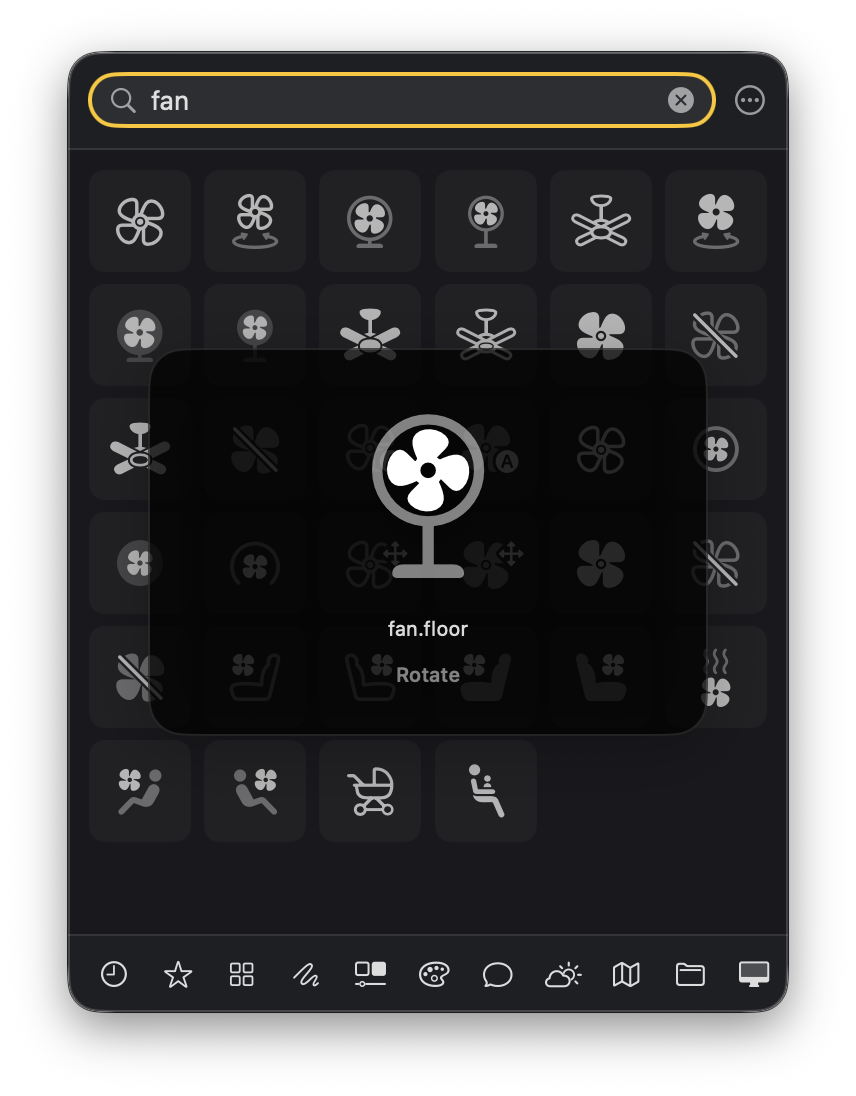
Symbols can be previewed as they animate, in Monochrome, Hierarchical or Multicolor and at any scale. Right-click a symbol for more formats such as SwiftUI code, PNG or PDF, at any size. Symbols with usage restrictions carry a note.
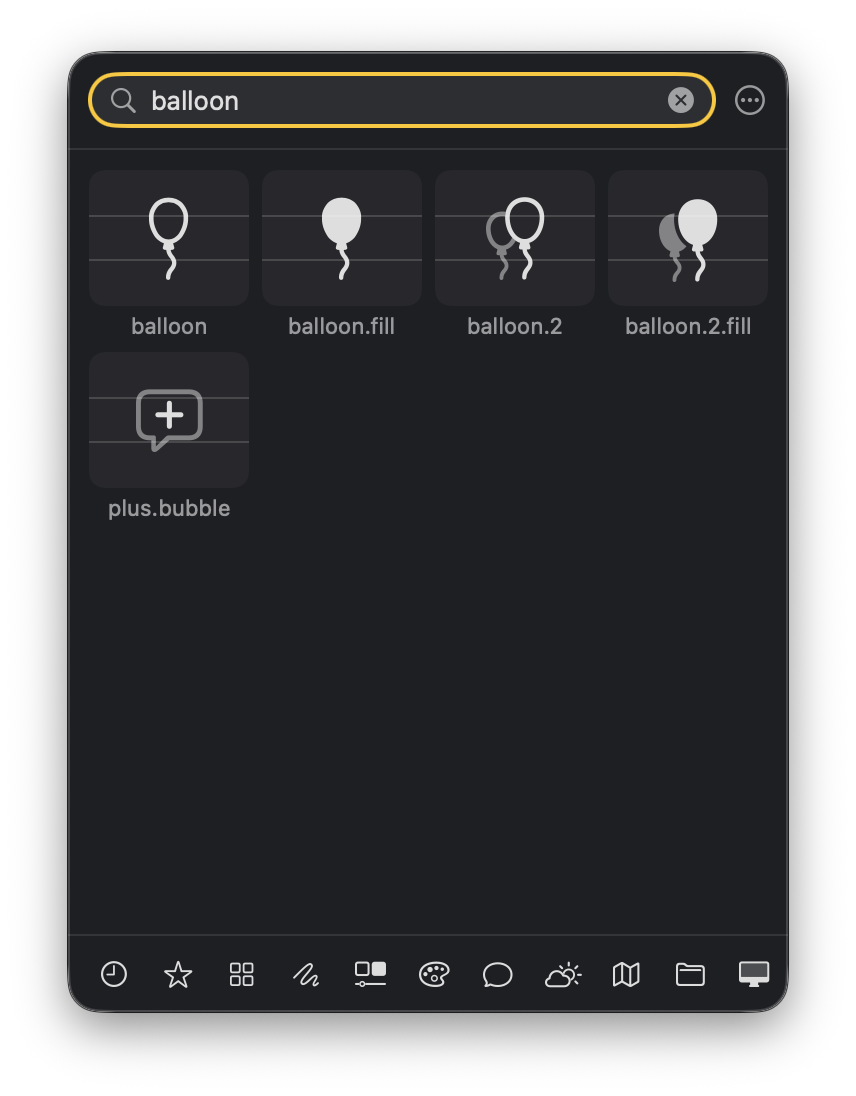
Open it with a shortcut of your choice, ⌥⌘S by default. Recents and favorites stay at hand, the categories are the ones from Apple's SF Symbols app, and everything is reachable from the keyboard. SF Balloons is a lightweight menu bar app; the Dock and menu bar icons can each be switched off.
SF Balloons works completely offline. No data is collected or transmitted.